
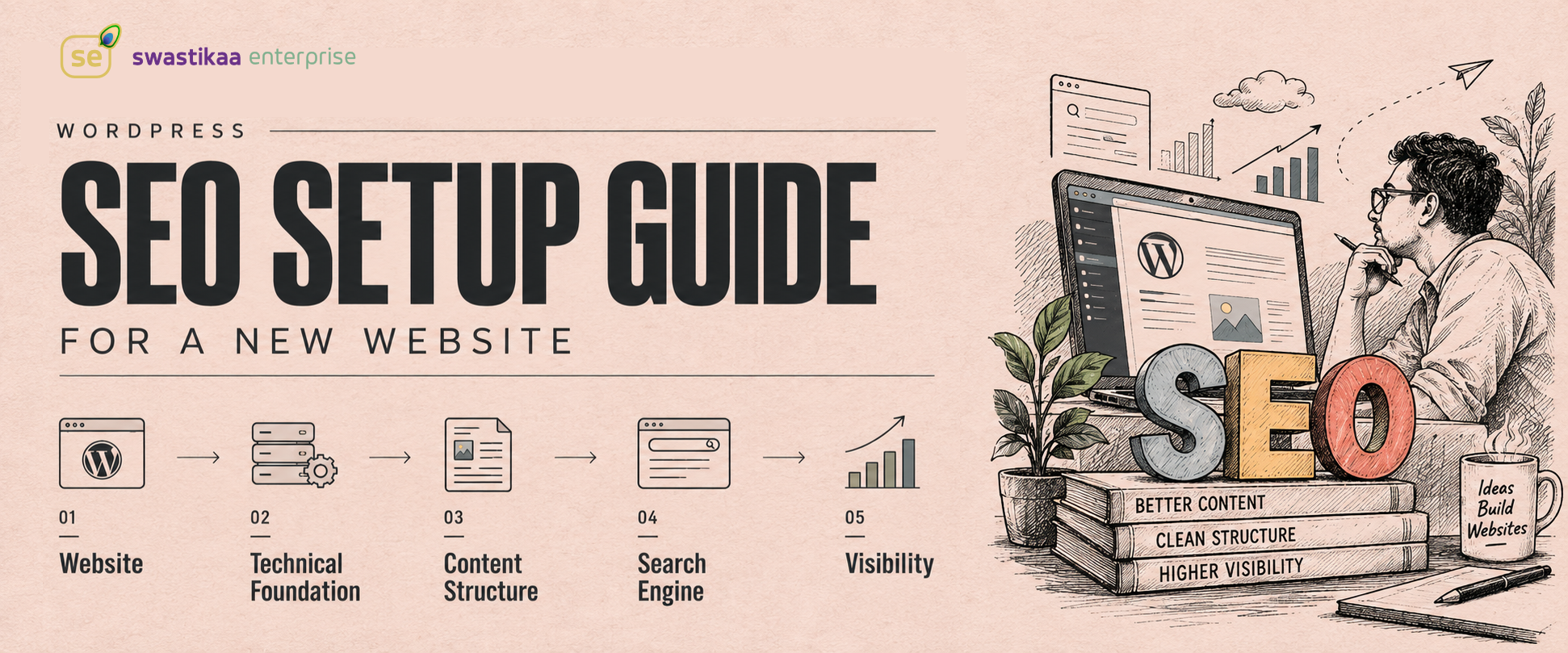
Installing an SEO plugin and turning every indicator light green does not mean your new WordPress site will rank. Founders waste budget paying agencies to achieve arbitrary 100/100 plugin scores, while developers waste build hours tweaking meta boxes on pages Google will never index. Search engine optimization on a fresh WordPress instance is an engineering process, not a software plugin checkbox. If your site structure is broken, your permalinks are default, or your server response times tank, no automated plugin trickery saves your search visibility.
Baseline WordPress Configurations for Search Crawlers
Before writing page content or configuring schema, configure basic core settings properly. Nine out of ten launch delays occur because someone forgot to check environment settings before pushing to production.
- Navigate to Settings > Reading in your wp-admin dashboard.
- Verify that “Discourage search engines from indexing this site” is unchecked prior to going live. Staging environments set this
blog_publicoption to0, which adds anoindextag to your header; leaving it enabled on production guarantees zero search traffic. - Navigate to Settings > Permalinks and select “Post name” (
/%postname%/). Default query parameter URLs like/?p=123degrade URL context and dilute crawl efficiency.
Technical SEO also requires meeting Core Web Vitals thresholds out of the box. Google ranks sites that process user interactions quickly and render main content blocks immediately. Your technical stack must maintain an Interaction to Next Paint (INP) under 200ms and a Largest Contentful Paint (LCP) under 2.5 seconds.
// Remove default WordPress header clutter that inflates DOM size and slows crawl speed
remove_action('wp_head', 'rsd_link');
remove_action('wp_head', 'wlwmanifest_link');
remove_action('wp_head', 'wp_generator');

// Ensure canonical URLs are correctly parsed on custom setups
add_action('wp_head', 'rel_canonical');
Sitemaps, Search Console, and Indexing Workflows
Plugins like Yoast SEO (v24.x) or Rank Math (v1.0.x) serve one primary purpose during launch: generating valid XML sitemaps and structural JSON-LD schema without manual code updates. Once activated, these plugins generate an index file at /sitemap_index.xml.
Do not wait for Googlebot to discover your site naturally over weeks. Log directly into Google Search Console immediately after DNS propagation, verify domain ownership using a TXT record, and submit /sitemap_index.xml manually. This forces search engines to map your URL taxonomy immediately.
> Search engines reward sites built around explicit intent and speed, not sites stuffed with keywords to satisfy automated plugin scoring algorithms.
| Component | Responsibility | Performance Impact |
|---|---|---|
| Permalinks | Standardizes clean URL structures | Low |
| XML Sitemap | Directs crawlers to valid canonical URLs | Low |
| Schema JSON-LD | Defines entity relationships to search engines | Low |
| Image Compression | Keeps LCP under the 2.5s threshold | High |
| Database Cleanups | Reduces TTFB and server response delays | High |
On-Page Architecture and Content Structure
Search crawlers read content hierarchically. If your theme renders three
- Use exactly one
tag per URL, reserved for the primary page title or core value proposition.
- Use
elements for main section concepts, followed by
tags strictly for nested sub-topics.
- Pass page authority through explicit internal linking rather than relying solely on global navigation menus.
- Use contextual anchor text inside body paragraphs to show crawlers which secondary pages matter most.
Image optimization directly impacts performance metrics. Serving raw 4MB PNG files uploaded directly from a camera destroys LCP scores and consumes unnecessary bandwidth on mobile networks.
- Convert raster graphics to WebP or AVIF formats prior to uploading.
- Set explicit
widthandheightattributes on tags to prevent Cumulative Layout Shift (CLS). - Rely on native browser lazy loading (
loading="lazy") for all non-hero images below the fold.
Prioritizing User Search Intent Over Plugin Green Lights
The biggest operational mistake site builders make is treating plugin analysis metrics as direct ranking signals. Yoast and Rank Math green lights measure word density, keyword repetition, and formulaic meta length—not user intent or topic depth.
Google ranks pages that resolve search query intent faster and more accurately than competing URLs. If a prospective customer searches for “enterprise WooCommerce migration cost,” they want a concrete pricing structure and risk framework, not a 2,000-word stuffed introduction explaining what WooCommerce is.
- Target specific long-tail search queries per page rather than broad single-word terms.
- Write meta titles (under 60 characters) and meta descriptions (under 155 characters) that directly promise the answer found on the page.
- Structure content logically with bullet lists and clear heading sections so visitors find their required information in seconds.
Ongoing Post-Launch Optimization Strategy
Treating SEO as a single project milestone guarantees declining search traffic over time. Search engine optimization is a continuous feedback loop of performance monitoring, content updates, and technical adjustments.
- Review Search Console performance reports weekly to identify pages with high impression counts but low click-through rates.
- Re-evaluate low-performing pages by revising meta titles and updating outdated statistics or technical examples.
- Audit page speed metrics monthly using PageSpeed Insights to verify that new plugin installs or media assets have not degraded INP or LCP performance.
Stop treating SEO as a final pre-launch checkbox or a green light plugin hunting exercise. Configure your core WordPress settings correctly on day one, submit your clean sitemap directly to Google Search Console, enforce strict Core Web Vitals targets, and build page content around exact user search intent. Continuous performance tuning and clear technical foundations always win over automated plugin scores.