
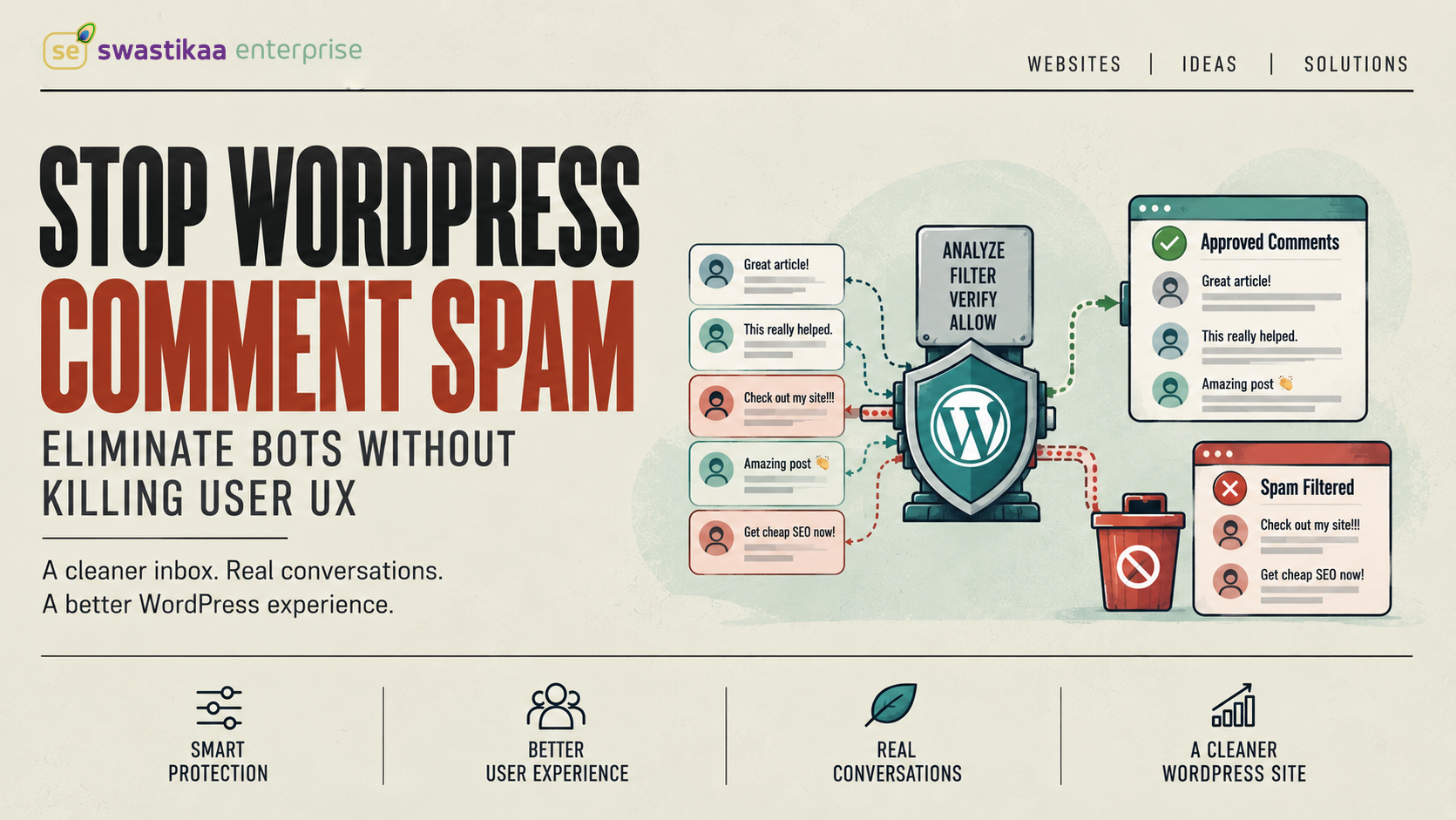
Unmoderated WordPress comment sections are 85% trash. Bot networks flood wp-comments-post.php with thousands of automated POST requests every hour, searching for unmanaged input fields to dump malicious links, promote illegal storefronts, and siphon your site’s domain authority. Allowing this automated noise to hit your database bloats your wp_comments and wp_commentmeta tables, slows down MySQL queries, and degrades server response times.
Fixing this problem does not require turning your comment section into an impossible obstacle course for actual human readers. Most site owners default to frustrating visual CAPTCHAs that destroy mobile conversion rates while doing almost nothing to block sophisticated headless browser bots. You can stop spam entirely by locking down native settings, deploying invisible verification tools, and implementing lightweight server-side filters.
Kill useless comment surfaces before installing a single plugin
Installing anti-spam plugins on a site that leaves unnecessary comment pathways open is a waste of CPU cycles. Automated spammers exploit legacy protocol defaults that you likely do not even use.
Trackbacks and pingbacks are obsolete notification systems that account for a massive share of automated spam vectors. They allow external servers to register fake cross-links without human interaction. Turning them off takes 5 seconds and instantly removes an entire class of attack vectors.
Head to Settings > Discussion in your WordPress dashboard and execute these baseline changes:
- Uncheck “Allow link notifications from other blogs (pingbacks and trackbacks) on new articles”
- Check “Comment author must fill out name and email”
- Check “Users must be registered and logged in to comment” only if your business site runs a gated community or membership portal
- Check “Comment must be manually approved” for initial comments, but allow previously approved authors to post automatically
If your site publishes static pages, documentation, or WooCommerce products, disable comments on those specific post types entirely. Leaving comment forms open on service pages or landing pages serves no strategic purpose and gives automated submitters an easy target. Use the bulk editor in Posts > All Posts or custom post type screens to set Comment Status to “Closed”.
Ditch visual CAPTCHAs for privacy-first verification
Forcing human visitors to identify crosswalks, traffic lights, and fire hydrants on a 3-inch mobile screen destroys user engagement. Visual CAPTCHAs introduce significant user friction, trigger high abandonment rates, and frequently break under aggressive browser-caching strategies. Even worse, modern AI image-recognition scripts solve visual puzzles faster and more accurately than humans do.
Replace visual puzzles with the Cloudflare Turnstile API. Turnstile operates as a non-interactive, privacy-focused challenge platform. It evaluates telemetry, browser behaviour, and execution signals in the background without forcing the user to complete a single manual puzzle.
Integrating Turnstile into your native WordPress comment form gives you strong protection without sacrificing user experience:
- It adds zero visual friction for legitimate human site visitors.
- It prevents automated POST scripts from bypassing front-end validation routines.
- It does not harvest personal user data for ad-targeting networks.
Pairing Turnstile with an invisible honeypot field—a hidden form input that humans cannot see but automated scripts fill out automatically—catches 95% of basic spammers before they ever hit your database moderation queue.
Balance server performance and privacy with the right filter
When selecting an automated filtering engine, your core trade-offs center on server processing overhead, data privacy compliance, and license costs. Akismet and Antispam Bee represent two distinct architectural philosophies for handling automated submissions.
Akismet routes every submitted comment to offsite cloud servers for heuristic analysis. Antispam Bee executes all validation checks locally within your WordPress database and PHP execution stack, making it strictly compliant with GDPR regulations out of the box.
Akismet has processed over 500 billion spam comments across its cloud infrastructure, making its signature identification algorithm remarkably accurate for high-volume sites. However, for GDPR-sensitive operations or budget-conscious clients, Antispam Bee offers complete local control without transmitting user IP addresses or email credentials to third-party endpoints.
Select Akismet if you process high-volume global traffic and want zero local database processing overhead. Choose Antispam Bee if your priority is strict compliance with European data privacy laws and zero recurring software costs.
Program custom moderation hooks to drop bot payloads instantly
Relying purely on plugins leaves you vulnerable to novel spam patterns that slip past standard heuristic filters. WordPress provides hooks that allow developers to intercept comment payloads before they are written to the database or trigger notification emails.
The preprocess_comment filter fires right after a comment is submitted but before any database insert occurs. You can write a lightweight custom function in your child theme’s functions.php file or a custom system plugin to instantly terminate requests containing known spam signals, such as excessive URLs or suspicious commercial terms.
<?php
/**
 * Reject comment submissions containing excessive HTTP links or common spam strings.
 */
function swastikaa_filter_spam_payloads( $commentdata ) {
    $content = $commentdata['comment_content'];

    // Reject payloads containing more than 2 embedded URLs
    if ( substr_count( $content, 'http://' ) + substr_count( $content, 'https://' ) > 2 ) {
        wp_die(
            'Comment rejected: Excessive links detected.',
            'Spam Blocked',
            array( 'response' => 403 )
        );
    }

    // Reject payloads matching specific commercial spam keywords
    $forbidden_terms = array( 'casino-online', 'cheap-loans', 'replica-watches' );
    foreach ( $forbidden_terms as $term ) {
        if ( stripos( $content, $term ) !== false ) {
            wp_die(
                'Comment rejected: Commercial spam keywords detected.',
                'Spam Blocked',
                array( 'response' => 403 )
            );
        }
    }

    return $commentdata;
}
add_filter( 'preprocess_comment', 'swastikaa_filter_spam_payloads' );
This snippet intercepts bad actors early in the execution lifecycle. By dropping the request with a 403 Forbidden status code, you save database storage, eliminate moderation queue clutter, and protect your server from unnecessary processing overhead.
A clean comment architecture balances frictionless human engagement against strict protocol-level enforcement.
Stop relying on intrusive visual image puzzles that annoy legitimate users. Turn off pingbacks immediately in Settings > Discussion, install Cloudflare Turnstile for invisible front-end verification, and deploy Antispam Bee or a custom preprocess_comment hook to drop bad payloads before they touch your database.