
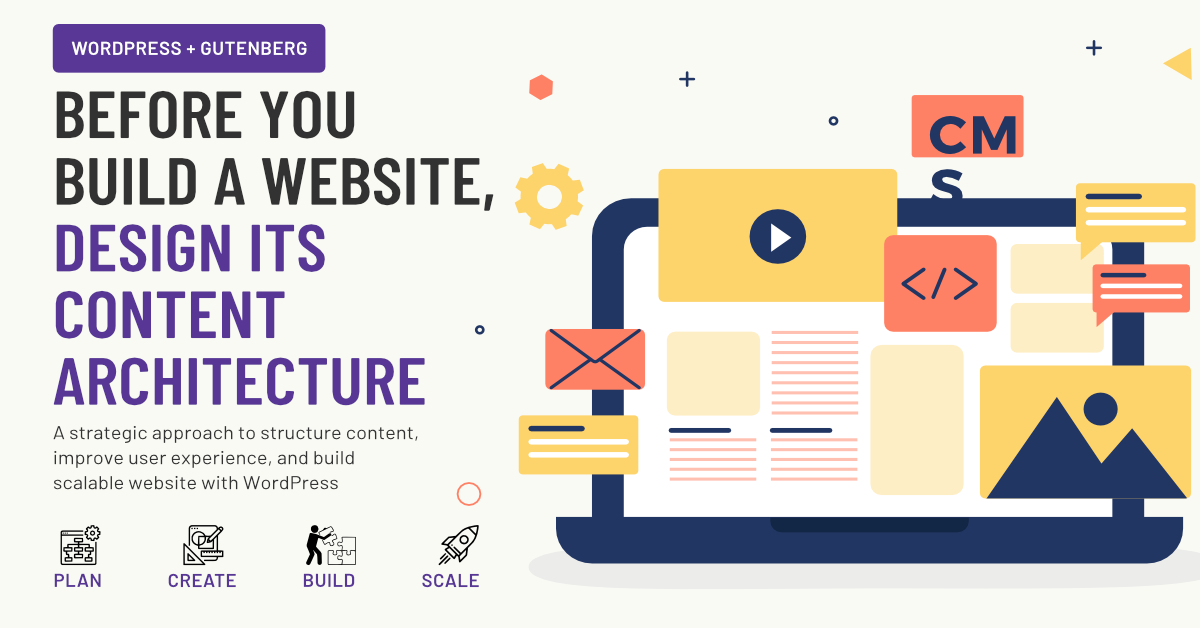
The Architect’s Blueprint: Content Architecting with WordPress Gutenberg
For years, enterprise site builders and CXOs faced a difficult choice when launching a web project. You could either hand-code everything from scratch—which choked your agility—or install heavy, third-party page builders that cratered your site performance and created massive technical debt.
Content architecting is the strategic process of structuring web data so it remains modular, reusable, and perfectly aligned with business goals. Today, the native WordPress Gutenberg editor has evolved into a full-scale design system engine. By shifting your philosophy from “page designing” to “content architecting,” your engineering and marketing teams can build lightning-fast, highly scalable SaaS websites using completely free, native tools.
1. The Core Infrastructure: Defining the Global Design Tokens
- The What: Establishing a unified system of colors, typography, and spacing directly inside the native WordPress theme.json file.
- The Why: Without a single source of truth for styles, a growing site inevitably suffers from visual drift, rogue CSS definitions, and brand dilution.
- The When: This architecture must be locked in during the initial pre-development phase, right after wireframes are approved but before a single page is built.
- The Where: These tokens live globally across the entire database, automatically embedding themselves into the Gutenberg editor sidebar for every content creator.
Imagine a fast-growing SaaS company that scales its website from 10 pages to 500 pages overnight. In the old days of page builders, changing the brand color from royal blue to navy required opening every single page or writing complex CSS overrides. By architecting with Gutenberg’s native theme JSON engine, you define your brand tokens once. If the brand evolves, your engineering team changes a single line of code, and all 500 pages update instantly without a single pixel breaking.
2. The Functional Anatomy: Master Content Blocks over Templates
- The What: Breaking down complex landing pages into a library of functional, single-purpose block components.
- The Why: Rigid, full-page templates break easily when marketing teams try to inject unplanned content like a temporary banner or a third column.
- The When: Build these blocks during the core development sprint so they are ready to use the moment content writing begins.
- The Where: These blocks reside inside the native inserter panel, organized logically by function like Hero, Features, and Social Proof.
Think of your website as a box of Lego bricks rather than a pre-molded plastic toy. Instead of creating a fixed “Pricing Page Template,” a content architect builds isolated blocks: a pricing grid block, a FAQ accordion block, and a testimonial slider block. When the CXO decides to test a new conversion funnel, the marketing team doesn’t need to call a developer. They simply drag the existing testimonial block onto a blog post or a product feature page, confident that it will look flawless and perform perfectly.
3. The Power of Reusability: Synced Patterns for Global Data
- The What: Utilizing Gutenberg’s Synced Patterns feature to manage repetitive global elements from a centralized dashboard.
- The Why: Manually updating a changing data point across dozens of high-value landing pages introduces massive human error and compliance risks.
- The When: Deploy Synced Patterns the moment you identify a piece of content that must appear on more than two distinct URLs.
- The Where: These patterns are managed in the central WordPress Site Editor and can be dropped into any post, page, or custom post type.
Consider a SaaS enterprise that lists its customer logos or compliance badges across its homepage, checkout page, and enterprise landing pages. Mid-year, you secure a SOC2 certification and need to display the new badge everywhere. Instead of hunting down every instance across the site, a content architect builds this section as a Synced Pattern. You update the image file in one central dashboard, and the new certification badge instantly reflects across your entire digital footprint, saving hours of audit work.