
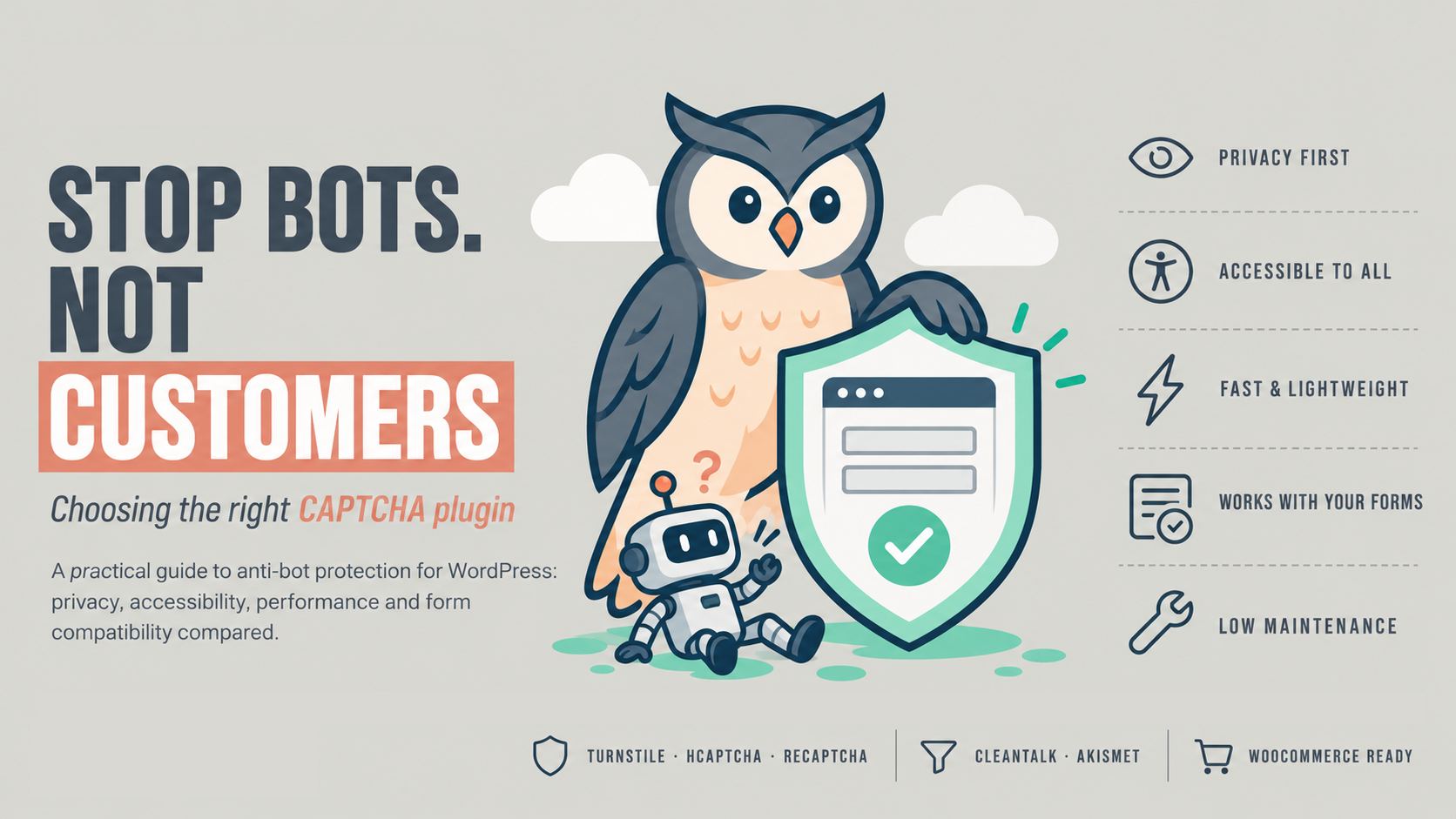
For most WordPress sites, the best starting point is a free, low-friction option like Cloudflare Turnstile. Paid background filtering such as CleanTalk is worth it when spam keeps getting through. The right pick depends on your forms, your visitors and your budget, not on which plugin has the most installs.
Every anti-bot tool trades off two risks. Too weak, and your inbox fills with fake enquiries, fake accounts and junk orders. Too strict, and real customers get blocked or give up on a puzzle halfway through a checkout.
This guide is for WordPress site owners, small businesses, freelancers and developers who want to choose sensibly. Plugin details and prices were checked in October 2026; always confirm on the plugin page before you install.
Seven things to compare before you choose
Check each option against these seven points. The one that matters most depends on your site.
- Ease of use. How long does setup take? Do you need an external account, API keys or code?
- Privacy. What visitor data (IP address, browser details, behaviour) goes to a third party? Does your privacy policy need updating? In India, think about the Digital Personal Data Protection Act, 2023; for EU visitors, GDPR.
- Accessibility. Can someone using a screen reader, or with low vision or limited motor control, get through it? Image puzzles are the biggest barrier.
- False positives. How often does it block a real person? On a checkout or enquiry form, one blocked customer can cost more than a hundred spam messages.
- Performance. Does it load scripts on every page or only where a form appears? Extra scripts slow mobile visitors on patchy connections.
- Form compatibility. Does it protect the forms you actually use: login, registration, comments, WooCommerce checkout, Contact Form 7, WPForms, Elementor and others?
- Maintenance. Are there keys to renew, a subscription to pay, or a plugin that stops being updated? Check the “Last updated” date and “Tested up to” version on WordPress.org.
The top 5 plugins
These five cover the main approaches: invisible checks, visible challenges and background spam filtering. They are listed by approach, not by popularity.
1. Simple Cloudflare Turnstile
Simple Cloudflare Turnstile connects your forms to Cloudflare Turnstile, which checks visitors without asking them to solve puzzles. Both the plugin and the Turnstile service are free. You need a free Cloudflare account to create a site key and secret key; you don’t need to move your site’s DNS to Cloudflare.
- Pros: Free. Most visitors never see a challenge. Covers WordPress login, registration, password reset and comments, WooCommerce checkout and account forms, Contact Form 7 and many other form plugins. Works with Multisite and most two-factor login plugins.
- Cons: Relies on Cloudflare’s servers being reachable. Gives no spam filtering of message content, so a human spammer can still get through.
- Use cases: WooCommerce checkout, login pages, contact and enquiry forms.
- Who should use it: Most small business sites and stores, and freelancers setting up client sites who want a free, low-friction default.
2. hCaptcha for WP
hCaptcha for WP is maintained by the hCaptcha team with community help. It works with WordPress core, WooCommerce, Contact Form 7, Elementor and over 60 other plugins and themes. You need an account at hCaptcha.com for keys.
- Pros: The widest range of form integrations of the five. Privacy-focused positioning. Extra controls such as showing the challenge only after several failed logins, plus built-in form statistics.
- Cons: On its default free setup, visitors may see image challenges, which add friction and can be hard for some users. The visitor’s IP and browser data are sent to hCaptcha.
- Use cases: Sites with many different form plugins; login pages under brute-force attack.
- Who should use it: Developers and agencies who want one tool across many form builders, and sites that prefer to avoid Google.
3. Advanced Google reCAPTCHA
Advanced Google reCAPTCHA adds Google reCAPTCHA (v2 checkbox or v3 invisible) to WordPress forms. It covers login, registration, password reset, comments, BuddyPress and WooCommerce forms, and Easy Digital Downloads.
- Pros: Familiar to visitors. Many form plugins already support reCAPTCHA natively. v3 runs invisibly and gives each submission a score.
- Cons: Sends visitor data to Google, so your privacy policy must say so. v2 image challenges add friction, especially on phones. v3 needs its score threshold tuned, or it can quietly block real users.
- Use cases: Sites already using Google services; forms where reCAPTCHA is the only option a form plugin supports.
- Who should use it: Owners comfortable with Google’s data use who want a well-known, free option.
4. CleanTalk Anti-Spam
CleanTalk is a paid cloud service that filters spam in the background, with no CAPTCHA or puzzle for visitors. It checks comments, contact forms, registrations and orders.
- Pros: Nothing for the visitor to do. Checks the content and sender (IP, email, behaviour), not just whether it’s a bot. Covers most form types in one plugin. Includes a spam log and an optional firewall.
- Cons: Paid after a free trial: $12 per year for one site, less per site in multi-site packs (pricing). Submissions are sent to CleanTalk’s servers for checking. If you stop paying, protection stops.
- Use cases: Busy contact forms, membership and registration sites, stores getting fake accounts or orders.
- Who should use it: Businesses that want zero visitor friction and are happy to pay a small yearly fee; agencies managing many sites.
5. Akismet Anti-spam
Akismet is Automattic’s spam filter. It comes bundled with new WordPress installs, but it’s a separate plugin you must activate with an API key. It’s strongest on comment spam and also supports some contact form plugins.
- Pros: No visitor friction. Very mature, low-maintenance filtering. Name-your-price for personal blogs.
- Cons: Commercial sites (anything that sells, advertises or promotes a business) must pay: the Pro plan is $9.95 a month billed yearly for one site and 500 spam checks a month (plans). Doesn’t protect login pages or WooCommerce checkout.
- Use cases: Blog comments and content-heavy sites.
- Who should use it: Bloggers, and businesses whose main spam problem is comments.
Side-by-side comparison
Turnstile and CleanTalk add the least friction; Akismet is the narrowest in what it protects.
| Plugin | Visitor sees | Data sent to | Accessibility | False-positive risk | Forms covered | Cost (Oct 2026) | Upkeep |
|---|---|---|---|---|---|---|---|
| Simple Cloudflare Turnstile | Usually nothing; sometimes a checkbox | Cloudflare | Good: rarely any puzzle | Low | Core, WooCommerce, CF7 and many form plugins | Free | Keys only |
| hCaptcha for WP | Checkbox, sometimes image puzzle | hCaptcha | Fair: image puzzles are a barrier | Low–medium | 60+ plugins and themes | Free tier; paid tiers | Keys only |
| Advanced Google reCAPTCHA | v2: checkbox/images; v3: nothing | v2 fair; v3 good | v3 medium unless tuned | Core, WooCommerce, BuddyPress, EDD | Free | Keys; v3 tuning | |
| CleanTalk Anti-Spam | Nothing | CleanTalk | Good: no challenge | Low | Most forms, registrations, orders | $12/year per site | Yearly renewal |
| Akismet | Nothing | Automattic | Good: no challenge | Low | Comments, some contact forms | Free personal; $9.95/month commercial | Key; plan limits |
Which one should you pick?
Start with your site type, then layer a second tool only if spam still gets through.
| If your site is… | Start with | Add if needed |
|---|---|---|
| A WooCommerce store | Simple Cloudflare Turnstile on login, registration and checkout | CleanTalk for fake accounts or orders |
| A business site with a contact or enquiry form | Simple Cloudflare Turnstile | CleanTalk if human-typed spam continues |
| A blog with active comments | Akismet (free if personal) | Turnstile on the comment form |
| A membership or community site | CleanTalk | hCaptcha on login after failed attempts |
| Built with many different form plugins | hCaptcha for WP | — |
| Already using Google services and happy with that | Advanced Google reCAPTCHA (v3, tuned) | — |
| Managed by a freelancer or agency across many sites | Turnstile as the free default | CleanTalk multi-site pack |
Avoid running two visible challenges on the same form. It doubles the friction without doubling the protection.
Setup tips and mistakes to avoid
Most problems come from setup, not from the plugin you chose.
- Test every protected form after setup. Submit a real enquiry, place a test order and log out and back in. Do it on a phone too.
- Don’t lock yourself out. Before you protect the admin login, keep a second admin session open or know how to disable the plugin over FTP or your hosting file manager.
- Watch caching plugins. A cached page can serve an expired challenge token. Exclude checkout and account pages from page caching.
- Load scripts only where forms appear. Most plugins have this option. It keeps the rest of your site fast.
- Update your privacy policy. Name the service you use and what it receives.
- Check the plugin’s health every few months. Look at “Last updated” and “Tested up to” on its WordPress.org page.
- If you write custom code, fail closed. A server-side check that only runs when the token field is present can be bypassed by a bot that simply leaves the field out. Treat a missing token as a failed check.
The bottom line
Pick the lightest protection that stops your actual spam. For most sites that means Cloudflare Turnstile first, with CleanTalk or Akismet added only when spam keeps getting through. Make your decision based on your forms and your visitors, not on install counts.
Need help choosing or setting it up? Swastikaa sets up, tests and maintains spam protection for WordPress and WooCommerce sites. Get in touch.